

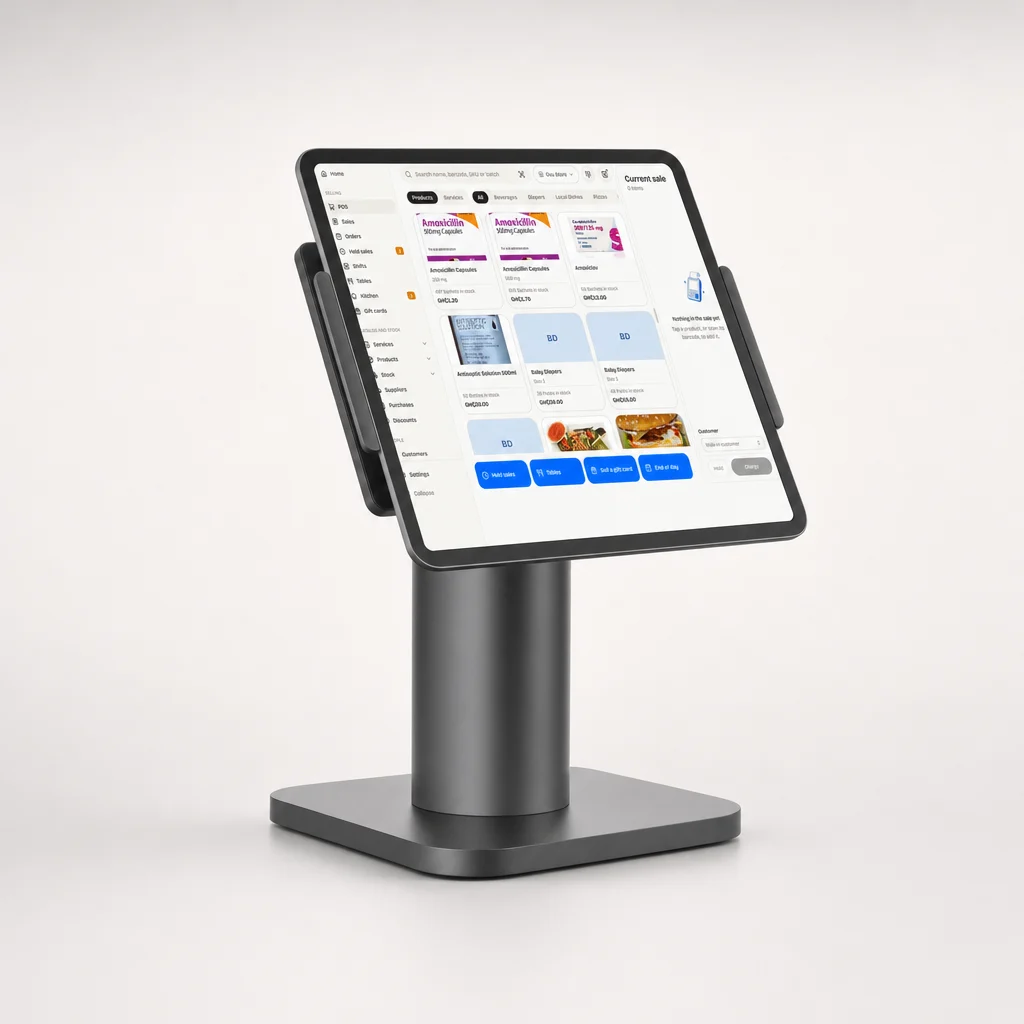
Tablet on a stand
The till, in the browser. No app to install.
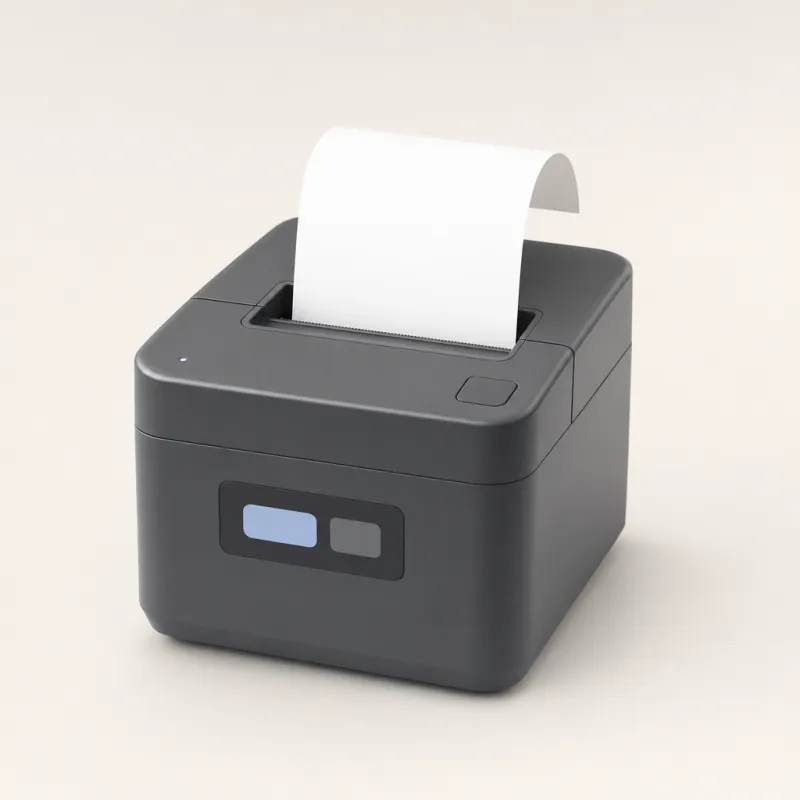
 Receipt printed
Point of sale
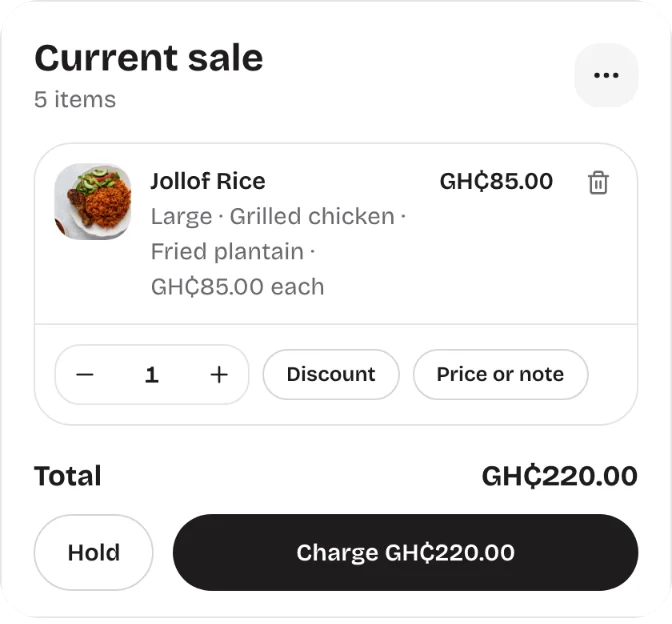
Sell in a few taps, take every way your customers pay, keep stock right and close each day with every till counted.

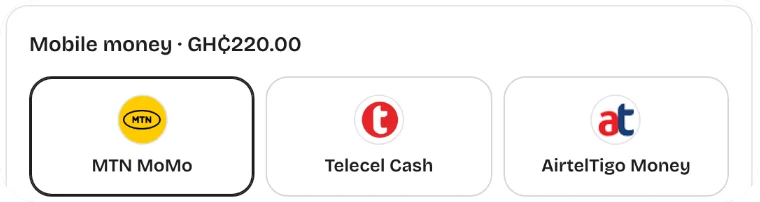
Take every way your customers pay
 MTN MoMo
 Telecel Cash
 AT Money
A day at the till
07:45
Each cashier opens their own till and counts in their float.
09:10
The prompt goes to the customer’s phone. The receipt prints when it is paid.
12:30
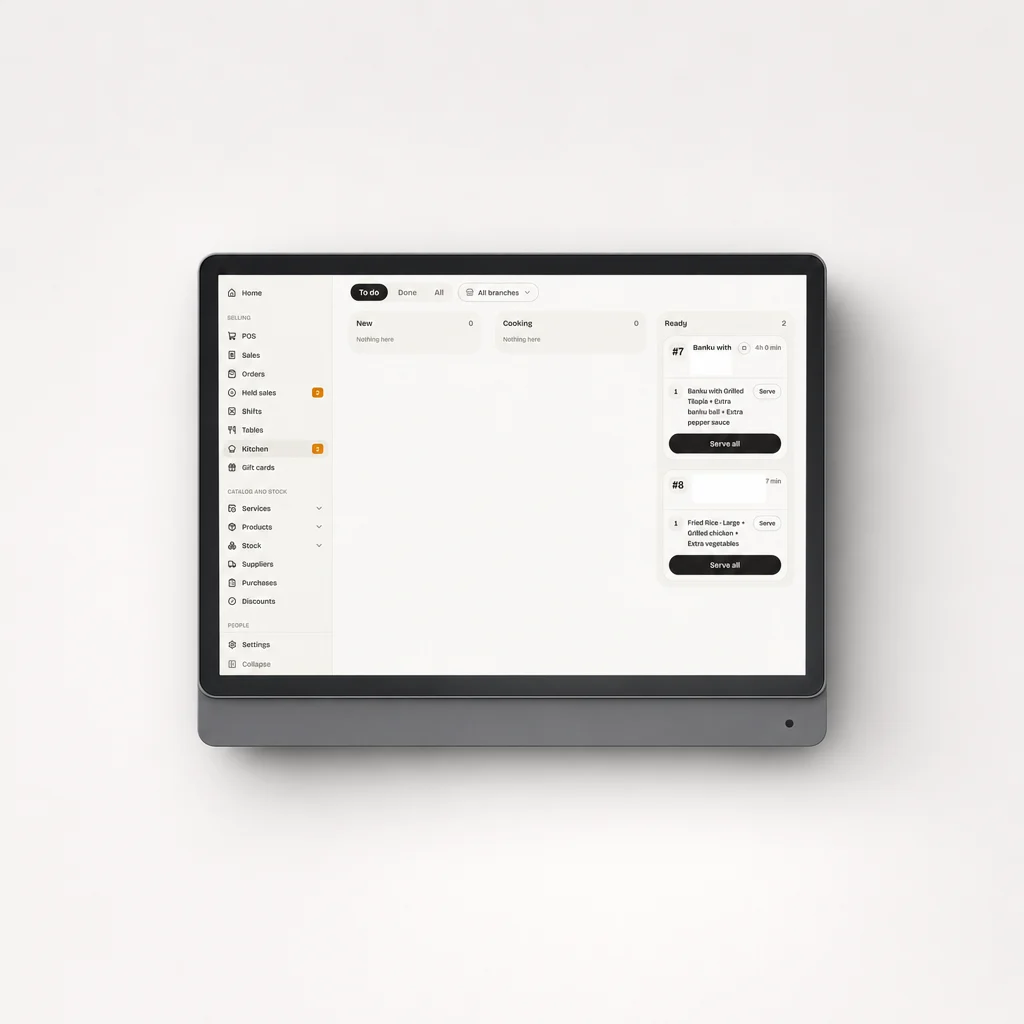
Hold a table’s order, send it to the kitchen, charge it when they are done.
15:00
Insights flag what will run out this week and how much to order.
17:30
WhatsApp and Instagram orders come in, ready to pack.
20:00
Count each drawer, see what every till took and every branch sold.
Point of sale
The owner, the cashiers, the manager and whoever counts the stock all work in the same Cashiar, each seeing what their role allows.

Works offline
Light goes off, data runs out, the network drops. Your tills keep going and nothing needs typing in twice.
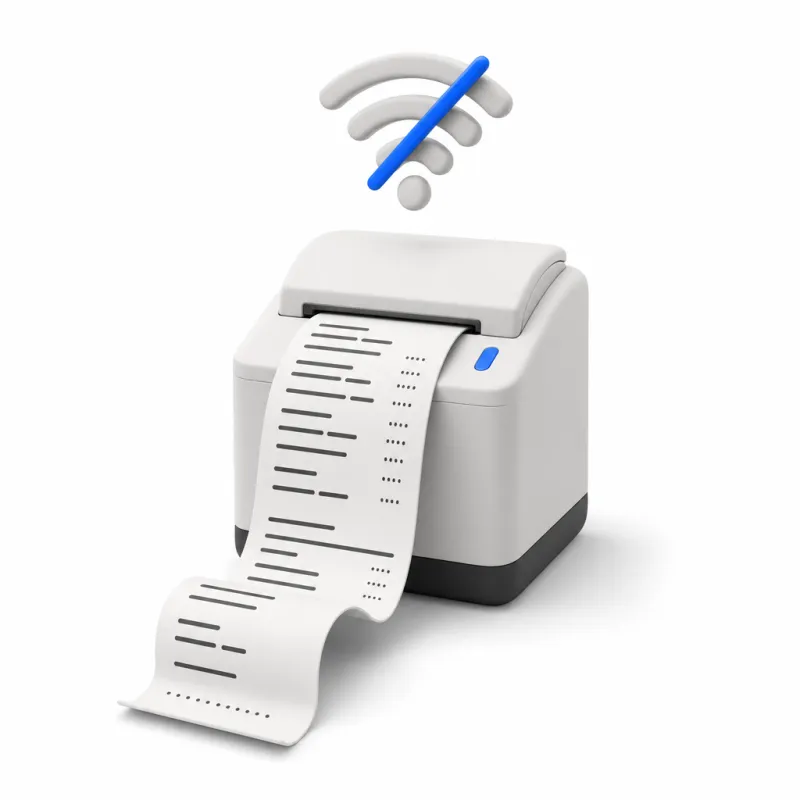
With no signal the till still sells for cash and anything that does not need the network.
When the internet is back, sales go up to the other tills and branches. Nobody presses a button.
Every sale is saved on the device first, with who made it and when.
Payments and branches
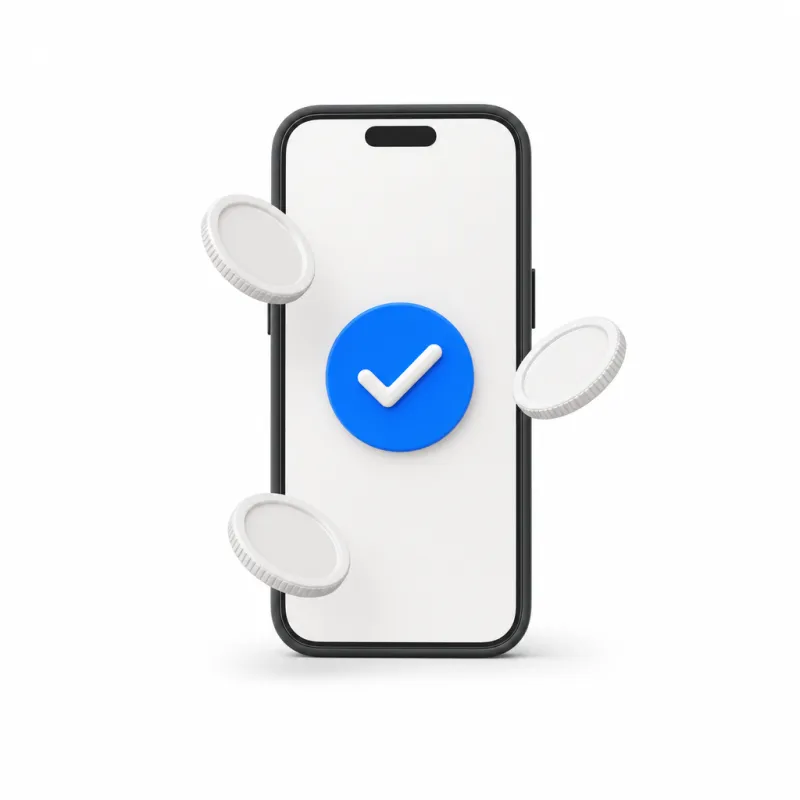
Pay in full, in parts or later, and split one sale between methods. The MoMo prompt goes straight to the customer’s phone.
Each branch has its own stock, tills and sales. Move stock between them and see them all together, from anywhere.


Ask Cashiar
Your shop’s assistant knows every sale, every shelf and every till. Ask it a question and get the answer in seconds.
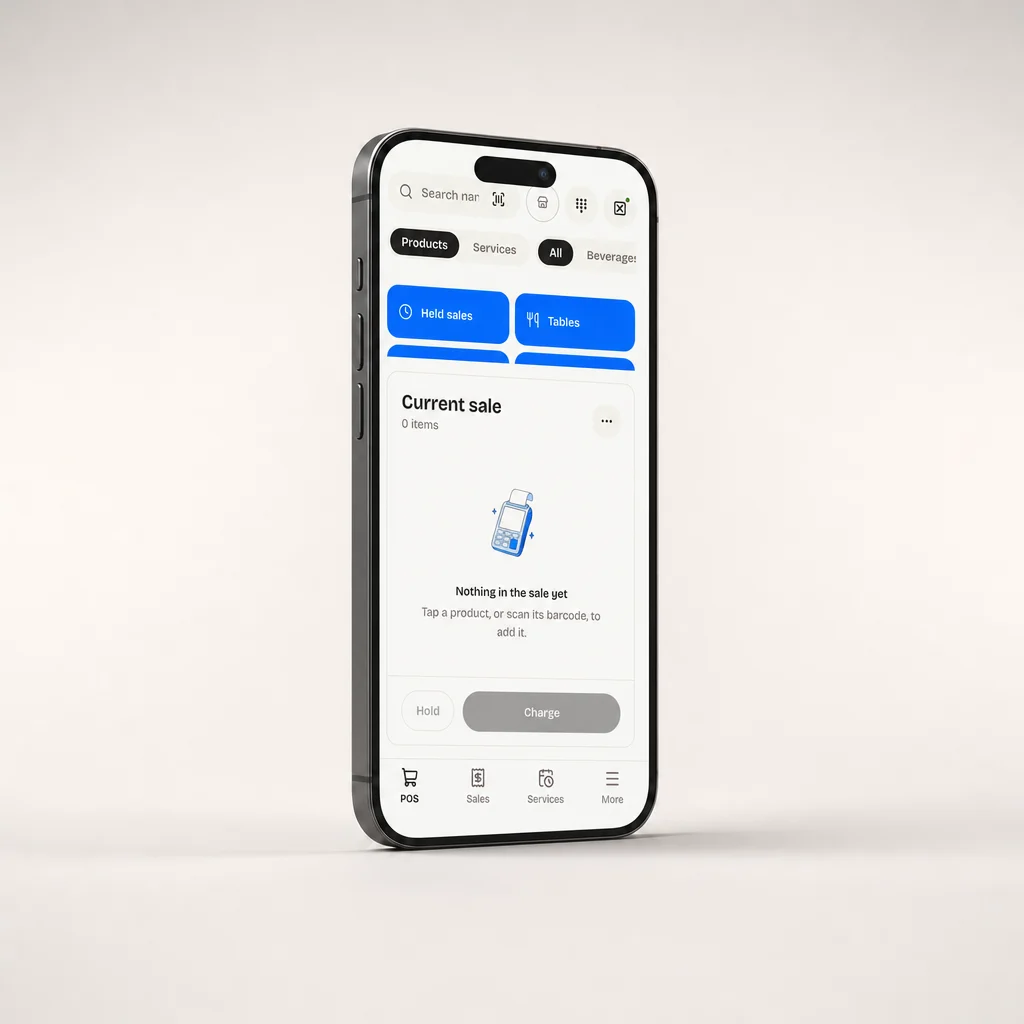
Cashiar runs in the browser. Add a printer, a scanner or a kitchen screen when you want them.
The till, in the browser. No app to install.
Receipt printedSell and check the day anywhere
Receipts, tickets and labels
At the till and for stock counts

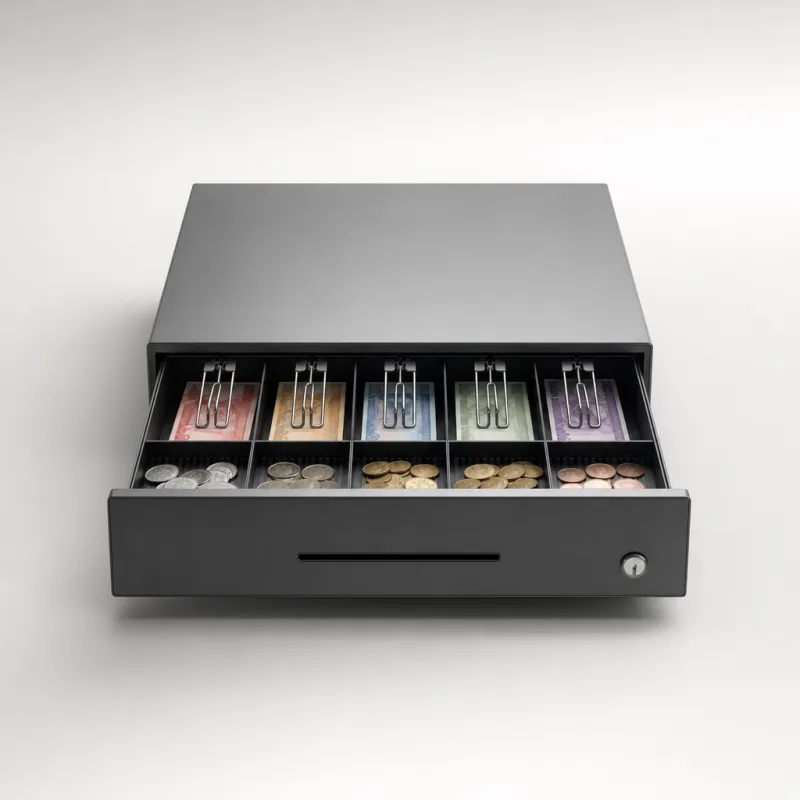
Opens when a cash sale is paid
Orders reach the kitchen the moment they are taken, each at its station.
The counter, the kitchen, the stockroom and every chat, in one till.
 RestaurantsTable 4 to the kitchen
 Cafés and bakeries+28 points for Efua
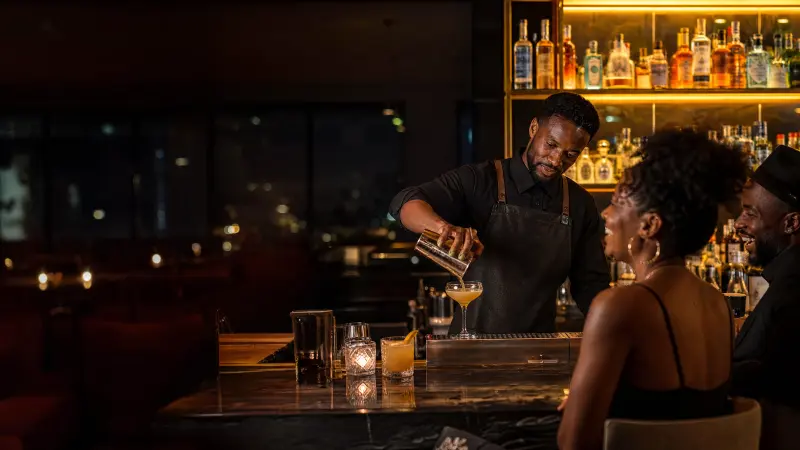 Bars and loungesTab V2 held
 Fashion and boutiquesOrder #1063 in CashiarRestaurantsTable 4 to the kitchenCafés and bakeries+28 points for EfuaBars and loungesTab V2 heldFashion and boutiquesOrder #1063 in Cashiar
 Supermarkets and minimartsMoMo GH₵86.00 received
 PharmaciesBatch A23 expires soon
 Salons and barbersBooked for Sat 11:30
 Spas and beautyFacial booked Fri 11:00Supermarkets and minimartsMoMo GH₵86.00 receivedPharmaciesBatch A23 expires soonSalons and barbersBooked for Sat 11:30Spas and beautyFacial booked Fri 11:00